Do you want to remove the AI label from your photos before you share them?
This list gives you the 10 best websites for this task.
Many AI tools and photo editors add hidden data to your images. This metadata includes AI tags, C2PA Content Credentials, and EXIF, IPTC, and XMP fields. Instagram, TikTok, and Pinterest can read this data and show an “AI info” label on your post.
Each website on this list removes some or all of this hidden data. Some websites upload your photo to a server for cleanup. Other websites clean the photo in your browser, so the file stays on your device.
For most users, DeleteFootprints.ai is the best tool. It removes EXIF, IPTC, XMP, and C2PA data, and it supports HEIC and TIFF files. It also shows you the metadata before you download the clean copy. To keep your files on your device, use RemoveAIContent.app or RemoveAIMetadata.ai. Use RemoveAIContent.app to clean videos as well as photos.
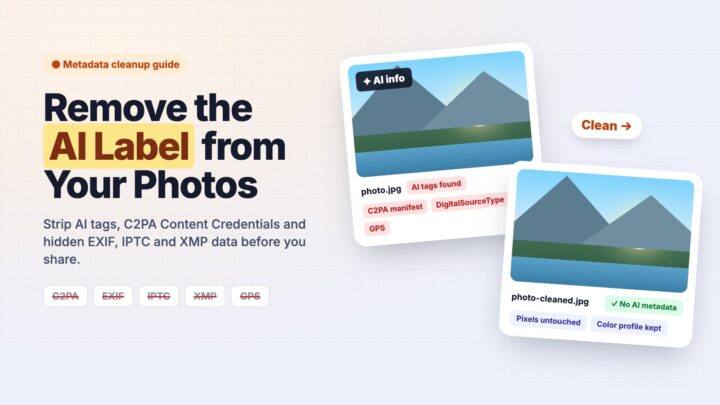
After testing a lot of metadata removal tools, here is the list of best tools according to their ability to remove all the metadata, speed, UI and UX.
1) DeleteFootprints.ai – The Best AI Label Remover
DeleteFootprints.ai is the strongest fit for a public-sharing workflow, especially when your photos come from several editing apps. You can process up to five images totaling 100 MB, with support for JPEG, PNG, WebP, TIFF, and HEIC.
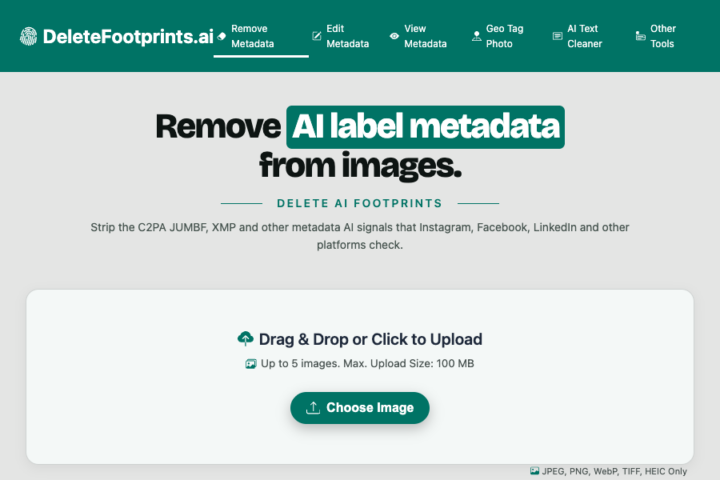
Using DeleteFootprints AI to remove AI metadata and AI image tags is the best way to keep platforms like Instagram, TikTok and Pinterest from adding an AI content label.
The cleanup covers EXIF, IPTC, and XMP, plus embedded C2PA/JUMBF credentials and supported PNG text fields. The service describes file-header cleaning that leaves image pixels untouched. As of November 2026, you get free access without an account or an added watermark.
Its useful feature is the inspection step. You see the metadata found in your file before removal, so you can tell camera details from editing history or AI-related fields. You can also use the separate read-only metadata viewer to inspect EXIF, IPTC, XMP, and available C2PA records before and after cleaning.
Your photos are uploaded for processing. The stated policy sets automatic deletion within 30 minutes and excludes training use. Treat that as the service’s own policy, since the deletion hasn’t been independently tested.
For your next upload, keep the original, clean a copy, then inspect the downloaded copy, because that copy is the file you will publish.
2) RemoveAIContent.app
RemoveAIContent.app is the clearest alternative when keeping file contents on your device is your priority. You can clean up to five photos or videos totaling 256 MB entirely in your browser.
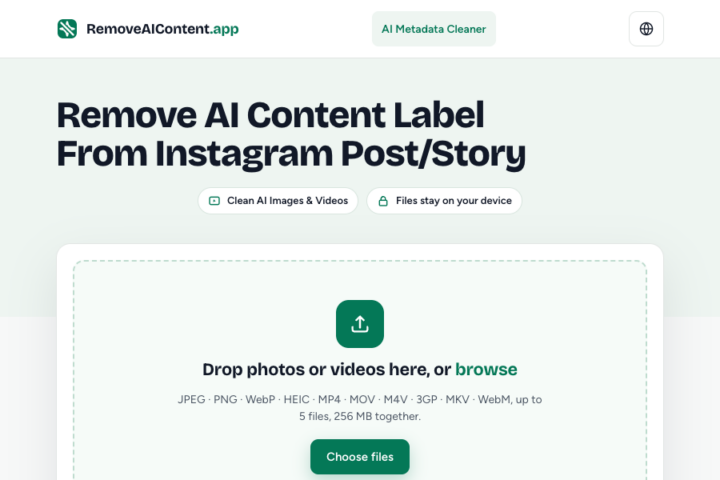
Supported photo formats include JPEG, PNG, WebP, and HEIC. Video support extends to MP4, MOV, M4V, 3GP, MKV, and WebM. As of November 2026, access is free without an account or a daily limit.
The tool shows a review stage before cleaning and runs a second metadata check before the download becomes available. The removal list includes C2PA, AI-related EXIF/IPTC/XMP fields, GPS, device details, and dates. Color profile and orientation are retained, and the tool describes processing without recompression.
Pay attention to iPhone HDR photos. Cleaning an iPhone JPEG removes its HDR brightness map, so your result displays as a standard photo on HDR screens. HEIC files retain their HDR map.
For iPhone videos, select the video from Files when you need the original, because choosing it through Photos hands Safari a smaller copy. Save each cleaned result before closing the browser tab.
3) RemoveAIMetadata.ai
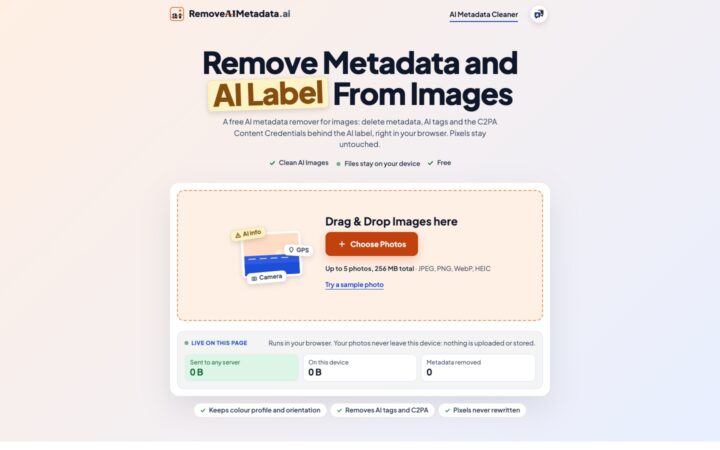
RemoveAIMetadata.ai gives you a free, browser-based cleaner built specifically for the AI side of photo metadata. You can remove AI tags, C2PA Content Credentials, and other hidden metadata from up to five photos totaling 256 MB, and your files stay on your device: nothing is uploaded or stored.
Your supported formats are JPEG, PNG, WebP, and HEIC, on a computer or a phone. As of November 2026, you get free access with no account, quota, or daily cap.
The removal scope is broad. It clears the IPTC DigitalSourceType field that marks an image as AI-generated, AI generator names in software and creator fields, saved prompts and settings from tools such as Stable Diffusion, and the whole C2PA manifest, signature included. It also removes GPS, camera and lens details, dates, edit history, author and copyright fields, and any remaining EXIF, IPTC, XMP, or PNG text chunks. Your color profile and orientation are kept, and pixels are copied byte for byte without re-encoding.
You get a “View metadata” step that lists every C2PA, EXIF, IPTC, and XMP tag before removal, with a verdict for each photo, such as “AI metadata detected.” After cleaning, each copy is checked again before you can save it. A live panel on the page shows how many bytes were sent to a server, which stays at zero.
Note two trade-offs. On JPEGs, the cleaner also drops the Ultra HDR gain map and any Motion Photo clip, and there is no mode that keeps copyright or camera fields. Cleaned copies live only in the browser tab, so save them, named with a “-cleaned” suffix, before you close it.
- Top 10 Websites to Remove AI label Metadata from photos
- How to Pay Florida Toll By Plate?
- How to use NJMCdirect to Pay NJ Tickets Online?
4) Unmade with AI
Unmade with AI suits you when embedded C2PA credentials are the specific fields you want to remove. You can process PNG, JPEG, and WebP locally in your browser, with no remote image upload.

You select an image, the page removes its embedded C2PA information, and you download the result. That makes it a practical option for exports from tools that attach credentials after generative edits.
Keep your original export if its edit history is useful for a client or publication. Use the cleaned copy only where stripping that history fits your sharing requirements.
5) StripShot
StripShot gives you a detailed local workflow when you want a report of what changed. As of November 2026, you get two free image cleanings per day, while scans are free and unlimited.
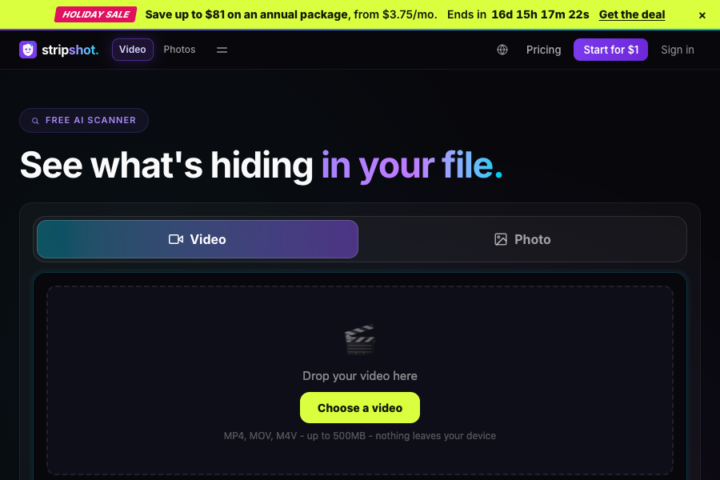
Supported formats include JPEG, PNG, WebP, GIF, SVG, HEIC, and AVIF. The listed removal scope covers EXIF, XMP, IPTC, C2PA, prompt chunks, and GPS.
After cleaning, you get a new scan and a JSON report showing removed findings and anything retained. For a larger workload, the November 2026 Pro price is $9 per month, including unlimited image cleaning and batch processing. Choose it when you need repeatable cleanup records across many files.
6) Jimpl
Jimpl fits your basic photo-privacy cleanup, especially when camera details and location are your main concern. You can upload an image up to 50 MB for EXIF removal, and the stated deletion window is 24 hours.
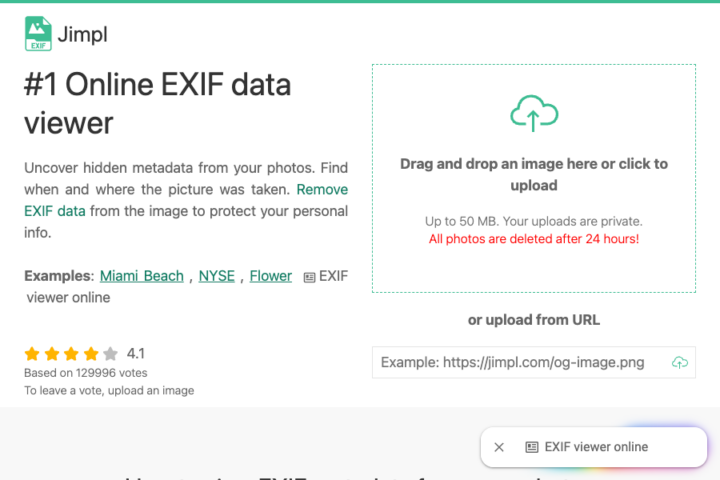
You upload a photo and download the cleared copy, or supply a public image URL instead.
Use Jimpl for its documented EXIF and location-removal role. For an AI-related publishing workflow, inspect the output for other metadata blocks, including XMP and C2PA, before drawing conclusions from an empty EXIF panel.
7) Watermarkly Metadata Remover
Pick Watermarkly when you need its photo-editing tools for your publishing work. You get paid access to cropping, conversion, compression, and other editing tools for $19.95 for one year as of November 2026, with no automatic renewal.
Treat editing and the metadata check as separate steps. After converting or cropping a photo, inspect the exported file to see which hidden fields remain, because a changed file format or smaller download does not show that embedded AI provenance has been removed.
8) Pics.io Metadata Remover
Pics.io suits you when your privacy-cleanup work extends beyond finished photos. You get free metadata viewing and removal without an account, with listed support for images, several RAW formats, videos, and PDF files.

You can review the fields before removal and copy the metadata if you need a record. The service states that uploaded files are deleted automatically.
Pics.io works best for broad file cleanup across a mixed project. For AI-specific fields, check the downloaded image with a viewer that displays C2PA and XMP as well as camera information.
9) Metadata2Go
Metadata2Go gives you a simple upload-and-download workflow for mixed file types. As of November 2026, you can process five files per job without an account, up to 75 MB each, for free.
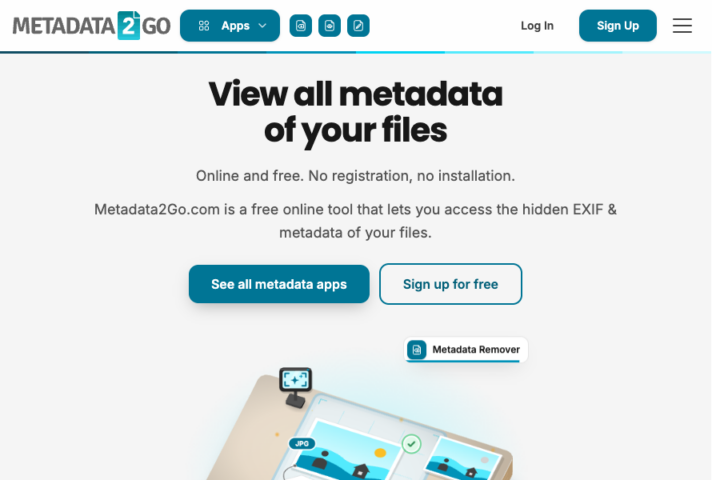
Metadata2Go processes files on European servers over encrypted connections. It removes the metadata it detects and leaves the file’s content in place.
For AI-label work, note its stated boundary: separate Content Credentials and invisible watermarks remain outside its cleanup scope. Choose it for detected EXIF, GPS, and author fields, then use an AI-focused inspection step if embedded provenance is your main concern.
10) IMGonline
IMGonline is a focused choice when your input is a JPEG. You can remove EXIF, IPTC, XMP, and Photoshop metadata without recompression.
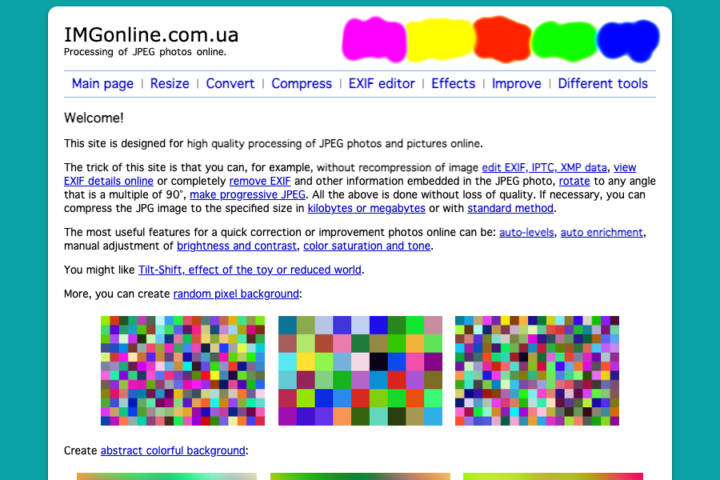
You select a JPG, submit it for processing, and receive a separate output file. Your original stays unchanged.
This workflow fits a finished JPEG that needs its embedded camera details or descriptive fields cleared. Inspect the result for the specific provenance fields relevant to your publishing platform.
How to choose between server-side and browser-based cleaning

For public-sharing work, choose DeleteFootprints.ai’s upload-based workflow when you need its format coverage and metadata inspection. Choose local browser processing when keeping the original file on your device takes priority.
Planning to publish a photo doesn’t remove the privacy risk of uploading its original, which can contain a location, a private prompt, or client information you never meant to publish. With a server-side service, you trust the operator’s processing and deletion policies.
Use this comparison to match your task to each tool’s documented role:
| Website | Best fit for you | Documented focus | Key constraint |
|---|---|---|---|
| DeleteFootprints.ai | Complete photo metadata removal, including AI and C2PA tags | C2PA, EXIF, IPTC, XMP | Five images, 100 MB total |
| RemoveAIContent.app | In-browser metadata removal for photos and videos | AI tags and privacy fields | Five files, 256 MB total |
| RemoveAIMetadata.ai | Free in-browser AI tag removal | AI tags, C2PA, EXIF, IPTC, XMP | Five photos, 256 MB total |
| Unmade with AI | Focused local cleanup | Embedded C2PA | PNG, JPEG, WebP |
| StripShot | Cleanup reports | AI and privacy metadata | Two free images daily |
| Jimpl | Camera-data privacy | EXIF and location | 50 MB upload limit |
| Watermarkly | Photo-editing workflow | Cropping and conversion | Inspect exported metadata |
| Pics.io | Mixed project files | General metadata removal | Upload-based workflow |
| Metadata2Go | Mixed-file jobs | Detected metadata | Separate credentials remain |
| IMGonline | Finished JPEGs | EXIF, IPTC, XMP | JPEG input |
The result depends on which fields are removed from the output. A server-side engine’s name alone does not establish better coverage, and local processing alone does not establish complete cleanup.
Build your workflow around four actions:
- Keep your original export.
- Inspect the metadata you plan to remove.
- Clean a separate copy.
- Inspect the downloaded result before publishing.
If you edit the cleaned file again, repeat the inspection on that new export.
What metadata removal can and cannot do

You can remove supported hidden fields from a file, but your image’s pixels and publishing history are separate matters. The removed fields can include GPS, software names, prompts, and embedded provenance records.
You also need to distinguish an embedded credential from the wider provenance system. C2PA supports recovering associated credentials through watermarking or fingerprinting after embedded metadata has been stripped.
Metadata cleanup also has limits:
- Pixel-level watermarks, including SynthID, survive metadata-only removal.
- Visible logos or badges stay in the picture.
- Existing online posts remain outside the cleaner’s control.
- An empty metadata report gives you no proof of human authorship.
- Blanket removal can erase your copyright and credit fields.
Preserve an archival original with its provenance intact. If you need attribution on a cleaned public copy, retain an appropriate visible credit or caption.
Frequently asked questions
Is uploading photos to a server-side metadata cleaner safe?
You accept an upload privacy risk whenever you send an original to a server-side cleaner. Use local processing for sensitive files, and weigh an upload service’s retention and training policies before sending private or client-owned images.
Does removing metadata stop Instagram or TikTok from adding an AI label?
Metadata removal gives you no guarantee that either platform will skip labeling your upload. On Meta platforms, your label can reflect industry signals or your own disclosure; on TikTok, you must still disclose significant AI edits involving realistic people or scenes.
Can I remove AI metadata from photos on my iPhone?
You can clean supported images through an iPhone browser using tools such as RemoveAIContent.app or RemoveAIMetadata.ai. Your normal Photos sharing flow includes associated metadata such as location, device details, and captions, so save and inspect the cleaner’s downloaded copy before sharing it.
Can these websites remove visible AI watermarks?
A visible AI watermark stays after metadata-only cleaning because the mark is part of the picture. For an image you have permission to modify, use an authorized unwatermarked export or an appropriate image-editing workflow.
Conclusion
Before publishing, reopen the downloaded file and check the metadata fields you intended to remove. Keep your original, upload the cleaned copy, and apply any disclosure required for your content.
Table of Contents